Why Is My Location Wrong? Causes and Fixes
Why a browser can put you miles from where you are, what the accuracy value tells you, and a checklist of fixes for phones and computers.
If your location is wrong, the likeliest reason is that your device did not use GPS. A page can ask for high accuracy, but the browser and device decide how the position is found. On a laptop or desktop with no GPS, that is usually Wi-Fi positioning, which is often decent, or, failing that, your IP address, which can be miles off. Phones with GPS switched on usually do better, which is why the quickest fix is often to try the same page on a phone, outdoors.
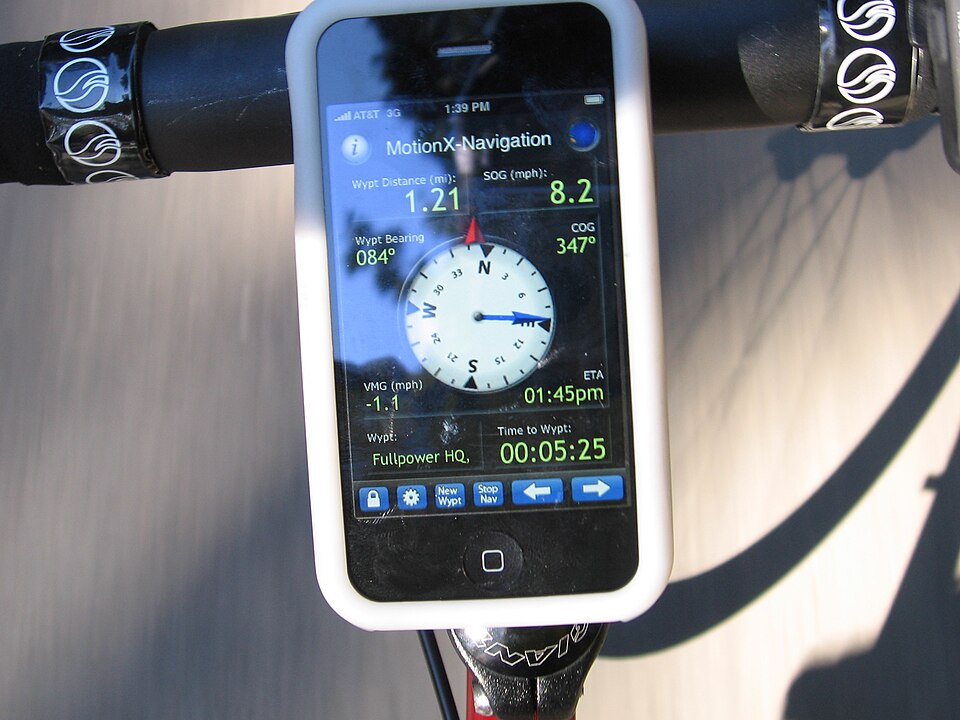

How a browser works out where you are
When a page asks for your location, it uses the browser's Geolocation API. Per MDN's Geolocation API guide, the user is asked for permission first, and if they accept, "the browser will use the best available functionality on the device to access this information (for example, GPS)." The feature only works on secure (HTTPS) pages.
The answer comes back as a latitude and longitude, which MDN describes as decimal degrees, plus one more number that matters here: the accuracy.
What the accuracy value means
MDN describes the accuracy property as the accuracy of the reported latitude and longitude, expressed in meters. The W3C specification, which defines the API, calls it a position accuracy radius in meters and ties it to a 68% confidence level (one standard deviation). Read it as a circle around the reported point: a confidence estimate, not a hard limit, so the true position can fall outside it.
This number is the most honest clue you have. A small radius means the browser had a strong source such as GPS. A very large radius means it fell back on something coarse, and the dot on the map is a rough centre of a wide area. The exact figure depends on your device and surroundings, so use the accuracy value your browser reports rather than any rule of thumb. Our location tool on the home page shows that value next to your position.
Why the position can be wrong
The W3C Geolocation specification is blunt about this. It lists common sources of location information as GPS and "location inferred from network signals such as IP address, RFID, WiFi and Bluetooth MAC addresses", and says: "The API itself is agnostic of the underlying location information sources, and no guarantee is given that the API returns the device's actual location."
In practice that gives four common causes:
- The device is not using GPS. A computer without a GPS receiver has to fall back on network signals. The result can be a street, a neighbourhood, or the wrong town.
- The position is based on your network address. An IP address belongs to your provider's network, not to your house, so it can point to a provider hub far away. See IP address vs GPS location for the difference.
- A VPN or proxy is on. If the browser falls back on your IP address, it sees the VPN server's location, not yours. GPS and Wi-Fi positioning are not affected by a VPN.
- The fix is still settling. A first reading can be coarse and improve as the device gathers more signals, and indoors a GPS fix may never arrive. Whether a phone can find a fix with no data connection is covered in can GPS work without internet.
Permissions can also bite. If location is blocked for the site, or location services are off for the whole device or for your browser, the page gets an error or a stale answer instead of a fresh one.
Checklist: how to fix a wrong location
First, read the accuracy value and let it pick your path:
- A very large radius compared with the error you see: the browser is using a coarse source (Wi-Fi, IP address or cell). Start with the precise-location, location-services, VPN, move-outside and wait-and-re-check steps.
- A small radius but the wrong place: a confident but wrong fix. Look for a stale site permission, a browser or developer-tools location override, or a cached position. Start with the site-permission and private-window steps.
Re-run the check after each step.
- Allow precise location. If your browser or phone offers an "approximate" versus "precise" choice for the site, choose precise. Approximate is designed to be coarse.
- Turn on location services. Check both the device-wide switch and the setting for your browser. Menu names differ by device and version, so look for your platform's own help page rather than trusting a generic path.
- On a phone: use the high-accuracy or precise mode if it has one, keep Wi-Fi on even outdoors because it helps positioning, and try toggling airplane mode or restarting the browser.
- On a laptop or desktop: enable the operating system's location service for your browser. A wired desktop with no Wi-Fi can only fall back on its IP address, so Wi-Fi gives a better result if you can use it.
- Check the site's permission. If you previously blocked location for the page, reset it from the browser's site settings and reload. Also try a private window or another browser, which rules out extensions and cached positions.
- Switch off your VPN or proxy and reload, then compare the result.
- Move outside or next to a window. GPS needs a view of the sky.
- Wait and re-check. Give the device a little while to settle, then reload and see whether the accuracy value shrinks.
- Try a different device. If you are on a computer, a phone is more likely to have GPS, and that is the single biggest upgrade for a wrong desktop result.
Check your position again
After you have tried the fixes, run the location check on the home page and compare the position and accuracy value with where you really are. If you need the raw numbers, My Coordinates shows your latitude and longitude, and if a county line matters, What County Am I In? warns you when the reported accuracy is wider than the distance to the border.
If it is still wrong
If the radius stays very large on a computer, the browser is probably using a coarse network-based source and nothing on the page can change that. Stop troubleshooting there: treat the result as a hint about the general area, and use a phone with GPS when you need a street-level answer. Do not rely on any one reading for anything official.
About this page
Maintained by the mylocationis.com editors. Last reviewed . Spotted a mistake? Use Contact and say which page.